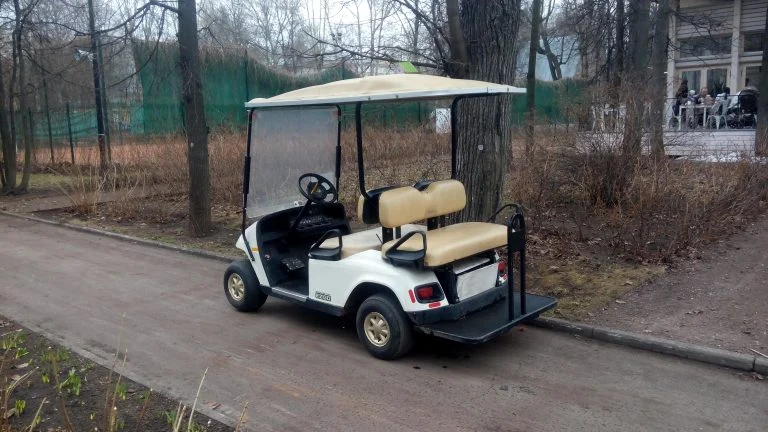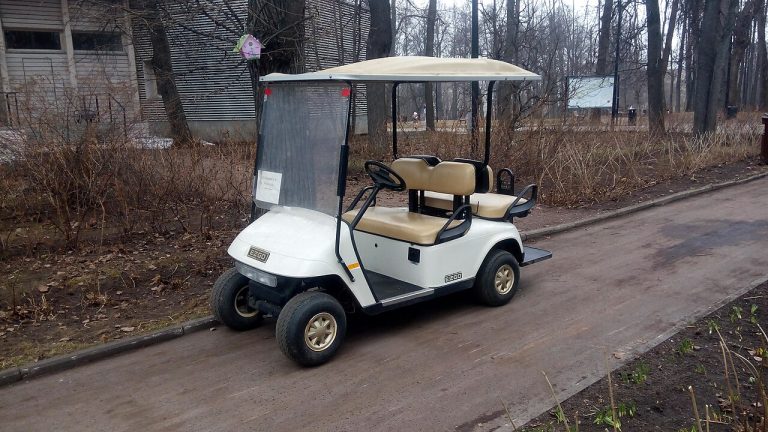
Quick answer: When an electric golf cart won’t move, the cause is usually a simple setting, a low or poorly connected battery pack, or a failed part in the pedal-to-motor circuit, such as the key switch, solenoid, or run/tow switch. Check the free, easy items first and suspect the controller last.
Why won’t my electric golf cart move?
The cart is missing something it needs to send power to the motor. That could be the correct setting, enough battery voltage, a clean connection, or a working part in the circuit. Work from the easiest checks to the most expensive parts:
- Note what the cart does when you press the pedal.
- Confirm the run/tow switch, key, direction selector, and parking brake are set correctly.
- Test the battery pack’s resting voltage.
- Inspect the battery cables and clean any corroded terminals.
- Test the key switch, pedal switch, and solenoid using your service manual.
- Check the controller for fault codes.
This guide covers electric carts only. Gas carts have different causes.
What should you do before you start troubleshooting?
Protect yourself first, because golf cart batteries hold enough energy and acid to cause serious injury. Trojan’s battery maintenance guide says to wear goggles, gloves, and protective clothing when handling batteries or electrolyte or while charging. It also says to charge only in well-ventilated areas and to keep sparks and flames away.
Keep metal tools from bridging battery terminals. Take off rings and watches, and never rest a wrench on top of the pack. Keep the space in front of and behind the cart clear in case it moves during a pedal test.
You will need:
- A DC voltmeter or multimeter
- A battery post and clamp cleaner
- The owner’s manual or service manual for your exact model and year
Stop and call a technician if you see cracks, leaks, melted wires, or spilled electrolyte.
What happens when you press the pedal and your golf cart won’t move?
The cart’s response tells you where to start. The same symptom can have several causes, so treat this table as a starting point and not a diagnosis.
| What you notice | Likely area | Next step |
|---|---|---|
| Completely dead, no click | Often points to a setting, a very low pack, a disconnected cable, or the key or pedal switch | Check the settings, then test the battery pack |
| Click but no movement | Often points to a weak pack, a poor cable connection, or a problem at or after the solenoid | Test the pack and cables, then see the solenoid section below |
| Moves in only one direction | Often points to the direction selector or its wiring | See our guide to golf carts that move in only one direction |
| Moves and then stops | Often points to a pack that sags under load or an intermittent connection | See our guide to golf carts that run and then stop |
| Stutters | Often points to a loose or corroded connection or a throttle input problem | See our guide to golf carts that stutter |
Why is my golf cart completely dead?
A completely dead cart often has a power or input problem. The pack may be very low, a main cable may be loose, or a setting may be wrong. The key switch or pedal switch may also not be sending a signal. Check the settings first, then test the pack.
Why does my golf cart click but not move?
A click often means the pedal signal is reaching the solenoid, but power is not reaching the motor. A weak pack, a bad cable connection, or worn solenoid contacts can all cause this. Test the battery pack before you buy a solenoid.
Are the simple settings correct?
Check these four items before you pick up a meter:
- The run/tow switch is in Run.
- The key is on.
- The direction selector is fully in forward or reverse.
- The parking brake is released.
Can the run/tow switch stop a golf cart from moving?
Yes. A cart left in Tow can look like it has failed, and a faulty run/tow switch can also stop it from going. The switch location varies by make and model, so find it in your own manual. If the setting is correct and the cart still won’t move, continue to the battery checks.
How do I reset an electric golf cart?
There is no universal reset for electric golf carts. If your manual lists a reset procedure, follow it exactly for your model and year. If it does not, confirm the settings above and keep working through this checklist. A reset will not fix a low battery or a failed part.
Is the battery pack charged and connected?
Yes, a bad or discharged battery can keep a golf cart from moving. Loose or corroded cables can also interrupt power even when the batteries are healthy. Test the voltage first, then inspect every connection.
The numbers below are for flooded lead-acid batteries. If you have lithium batteries, use the battery maker’s specs.
How do you read a battery voltage test?
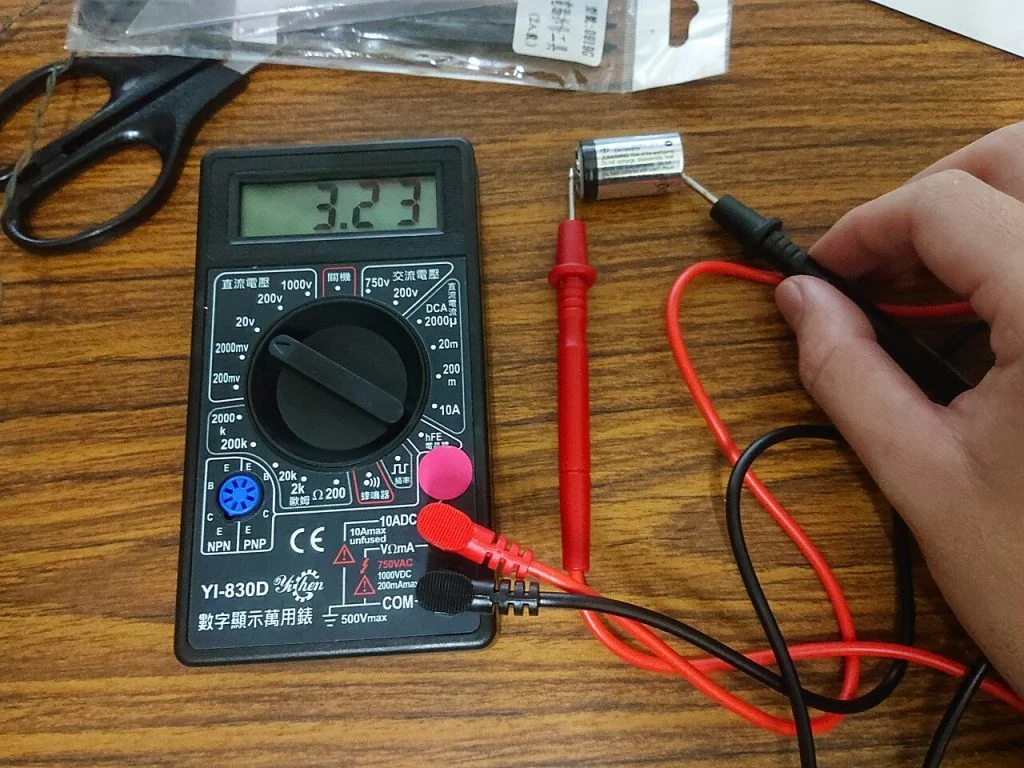
Measure resting voltage, then compare it with the state-of-charge table. A reading taken right after driving or charging can mislead you. Trojan says batteries should sit with no charging or discharging for at least 6 hours, preferably 24, with all loads disconnected.
- Unplug the charger, disconnect all loads, and let the pack rest.
- Set your meter to DC volts.
- Measure across the pack’s main positive and main negative terminals.
- Measure each battery on its own and note any that read well below the others.
- Compare your readings with the numbers below.
Trojan’s open-circuit voltage table lists these values for a 48V pack:
| State of charge | 48V pack voltage |
|---|---|
| 100% | 50.93V |
| 70% | 49.49V |
| 50% | 48.41V |
| 10% | 46.03V |
Trojan says to charge a battery that reads 70% or lower. On a 48V pack, that means 49.49V or less.
For other pack sizes, read the label on each battery and compare it with the matching per-battery voltage in Trojan’s table:
- 6V battery: 6.37V at 100% and 6.19V at 70%
- 8V battery: 8.49V at 100% and 8.25V at 70%
How do you clean corroded terminals?
First, look for loose cables and for crusty buildup on the posts and clamps. Golf cart parts retailer Buggies Unlimited links corroded cables to sluggish performance. If you find corrosion, follow Trojan’s cleaning steps:
- Tighten the vent caps.
- Wipe the battery top with baking soda and water. Keep the mixture out of the cells.
- Rinse and dry the battery.
- Clean the terminals and clamps with a post and clamp cleaner until they shine.
- Reconnect the cables.
- Apply a thin coat of anti-corrosive spray or silicone gel.
Check the water level too. Trojan says to add distilled water after a full charge. If the plates are exposed on a discharged battery, add only enough to cover them before charging.
How can you tell a battery is bad?
A battery that charges but will not hold a load is likely bad and should be tested, according to Trojan. Cracks, leaks, or spilled electrolyte mean it must be repaired or replaced.
On flooded batteries, a hydrometer gives you another check. Trojan’s full-charge specific gravity target is 1.277 ±0.007, corrected to 80°F. Add 0.004 for every 10°F above 80°F, and subtract 0.004 for every 10°F below it.
If specific gravity stays below spec after a full charge and equalization, Trojan says the battery may be old, left discharged, low on electrolyte, overwatered, or have a weak or bad cell. It should then go to a specialist or be retired.
Could the key switch, pedal switch, or solenoid be the problem?
Yes, once settings and batteries check out, these parts are the next suspects. Buggies Unlimited names faulty key switches, solenoids, and run/tow switches as common reasons electric carts fail to start.
Think of these parts as links in a chain. The key and pedal switch carry your input. The solenoid acts as a heavy-duty switch in the motor circuit. If any link fails, the cart can stop.
How do I know if my golf cart solenoid is bad?
You can only confirm a bad solenoid with a test for your model, but a click check can narrow things down. With the key on, the selector engaged, and the area clear, have a helper press the pedal while you listen at the solenoid.
- You hear a click: The solenoid is likely receiving a signal. The problem may be low pack voltage, a poor connection, worn solenoid contacts, or something farther down the circuit.
- You hear no click: The signal may not be reaching the solenoid, or the solenoid itself may have failed. Check the key switch, pedal switch, and wiring next.
Neither result proves which part failed. Drive systems also differ, so test values vary by model. Use the procedure and specs in your service manual.
Decision rule: Replace a part only after a test for your model points to it.
How do you know if the controller is at fault?
You can suspect the controller only after power and switches check out, and a fault code or qualified test should back that up. The controller comes last because it is usually the most expensive part to replace by mistake.
Many Curtis controllers report faults through a status LED that flashes a code. The Curtis 1268 manual says diagnostics are available through the built-in Status LED or an optional programmer. Not every cart uses a Curtis controller, so check which one yours has.
The Curtis 1212 manual shows how this kind of LED can work, although the 1212 is not a golf cart controller. Its LED stays steadily on with no faults and flashes a code until the fault is corrected. It shows only the highest-priority fault at a time, so a new code could appear after you fix the first one.
Fault code meanings differ by controller model and programming, so a chart for another cart can send you the wrong way. Find the part number on your controller and use the code table for that exact unit.
When should you call a golf cart technician?
Call a technician if any of these apply:
- The batteries still read low after a full charge and equalizing.
- A battery has cracks, leaks, or spilled electrolyte.
- You notice a burnt smell or melted wiring.
- The controller shows a fault code you cannot interpret.
- You do not have a meter or do not feel confident using one.
Have these details ready when you call:
- Make, model, and year
- Pack voltage
- The exact symptom, including whether you hear a click
- What you have already checked
If you want to keep troubleshooting and know your cart’s brand, see our E-Z-GO and Club Car guides for brand-specific repair steps.
Frequently Asked Questions
Can a bad battery keep a golf cart from moving?
Yes, a bad or discharged battery can keep a golf cart from moving. Loose or corroded cables can also interrupt power even when the batteries are healthy. Test the pack’s resting voltage first, then inspect every connection. A battery that charges but will not hold a load is likely bad and should be tested.
What voltage means a 48V golf cart pack needs charging?
A flooded lead-acid 48V pack needs charging at 49.49V or less, which Trojan’s table lists as 70% state of charge. A full pack reads 50.93V. Measure resting voltage after the pack sits at least 6 hours, preferably 24, with all loads disconnected. Lithium packs need the battery maker’s specs.
Does a clicking solenoid mean the solenoid is good?
No, a click does not prove the solenoid is good. It suggests the solenoid is receiving a signal, but low pack voltage, a poor connection, or worn solenoid contacts can still stop the cart. Test the battery pack and cables first, then use the solenoid test in your service manual.
Can I use a fault code chart from another golf cart?
No, use the code table for your exact controller. Fault code meanings differ by controller model and programming, so a chart for another cart can send you the wrong way. Find the part number on your controller, then match any flashing status LED code to that unit’s own table.
What tools do I need to troubleshoot an electric golf cart?
You need a DC voltmeter or multimeter, a battery post and clamp cleaner, and the owner’s or service manual for your exact model and year. Wear goggles, gloves, and protective clothing around batteries. Take off rings and watches, and keep metal tools from bridging the battery terminals.